Key Takeaways
- Professional funeral videography costs range from $600 to $1,800 depending on complexity.
- Prioritizing audio quality over video resolution is the most critical technical factor.
- Dedicated funeral platforms are replacing social media to avoid copyright muting and privacy issues.
In 2025, the way we experience and remember end-of-life ceremonies has fundamentally changed. Choosing to move forward with recording funeral service proceedings is no longer a niche request for families with distant relatives; it has become a standard expectation for modern memorials. Whether through professional funeral videography or a carefully managed DIY setup, capturing these moments allows families to bridge the gap between physical attendance and remote participation with more polish and intention than ever before.
As we look toward 2026, technology is enabling a more "invisible" approach to recording. Families are no longer satisfied with a shaky phone at the back of the room. Instead, they are seeking high-quality, respectful, and easily accessible digital archives that honor the deceased while providing comfort to those who could not attend in person.
Why Recording Funeral Services Has Become the New Standard
The landscape of bereavement services has shifted significantly over the last few years. According to recent data, over 60% of funeral homes now offer live streaming or recording as a standard service. This isn't just about convenience; it is about accessibility and historical preservation.
For many, a funeral video recording serves as a digital heirloom. It captures the eulogies, the music, and the shared stories that might otherwise fade from memory. Furthermore, with approximately 47% of U.S. funeral homes providing dedicated virtual services, the infrastructure to support high-quality recording is more accessible than ever.
Professional vs. DIY Funeral Videography
When deciding how to record a service, families generally choose between three paths: professional videography, funeral home-provided streaming, or a DIY approach.
Professional Funeral Videography
Hiring a dedicated videographer typically costs between $600 and $1,800. The benefit here is "set it and forget it." Professionals bring multiple camera angles, high-end audio equipment, and the ability to edit the footage into a polished final product.
Real-World Example: The Miller family hired a professional for their matriarch's service. The videographer used three silent, remote-operated cameras and lapel mics on the speakers. The result was a cinematic "Legacy Reel" that the family now shares every year on her birthday.
Funeral Home In-House Systems
Many modern chapels have built-in cameras. While convenient, these are often fixed "birds-eye" views. You should check if the funeral home provides a raw file of the recording or just a link to a stream that expires after 30 days.
The DIY Approach
Using specialized platforms like EventLive or Forget Me Not Ceremonies costs between $25 and $50. This is the "middle ground." It requires a family member or friend to manage the device, but the software handles the privacy and hosting, making it much more reliable than a standard Facebook Live stream.
Technical Best Practices: Ensuring a Respectful Recording
A common misconception is that you need 4K video for a good funeral recording. In reality, audio is king. Experts agree that clear audio is significantly more important than high-definition video. If the viewers can’t hear the eulogy over the sound of a nearby air conditioner or a crying infant, the recording loses its value.
Prioritize Audio Quality
Use external wireless microphones placed at the podium or near the speakers. This avoids capturing distracting background noise and ensures that every word of the tribute is preserved.
Lighting and Placement
Avoid the "One Angle" trap. A single wide shot from the back of the room often feels cold and distant. If possible, have at least two angles: one wide shot of the chapel and one close-up on the speaker.
Privacy and Permissions
Always inform guests that a recording is taking place. This can be done through a small sign at the entrance or a brief announcement by the officiant. Additionally, ensure you have permission from the venue (churches and crematoria often have specific rules regarding camera placement).
| Aspect | Best Practice |
|---|---|
| Audio | Use lapel or podium mics; avoid internal phone mics. |
| Connectivity | Use a dedicated hotspot rather than crowded public Wi-Fi. |
| Discretion | Equipment should be silent and operators dressed in funeral attire. |
| Platforms | Use dedicated memorial platforms to avoid copyright muting. |
2025-2026 Trends in Funeral Recording
The industry is moving away from "generic" video and toward personalized digital experiences.
- Legacy Reels: Instead of a two-hour unedited video, families are requesting 1- to 2-minute edited highlights designed for easy sharing via text or social media.
- AI-Assisted Editing: New tools can now automatically identify who is speaking, cutting out dead air and creating highlight reels within hours of the service ending.
- QR Code Integration: Recordings are now being integrated directly into QR codes on headstones or digital obituaries. This allows future generations to scan a plaque and watch the service years later.
- 360° Virtual Presence: High-end providers are beginning to offer 360° chapel streams, allowing remote viewers to "look around" the room using VR headsets or their smartphones.
Common Mistakes to Avoid
When planning a recording funeral service, a few small oversights can lead to significant disappointment.
- The "Social Media Mute": Facebook and YouTube frequently flag and mute live streams that contain copyrighted music (hymns, popular songs, etc.). Dedicated funeral platforms avoid this by using different licensing methods.
- Forgetting "Do Not Disturb": For DIY recordings, failing to turn off phone notifications can ruin a stream with incoming calls or text pings.
- Low Battery/Data Caps: High-quality video consumes battery and data quickly. Always have a power bank and an unlimited data plan or a verified high-speed connection.
- Poor Communication with Clergy: Some officiants are uncomfortable with cameras near the altar. Always discuss placement with the clergy at least 24 hours in advance.
Planning Timeline for Families
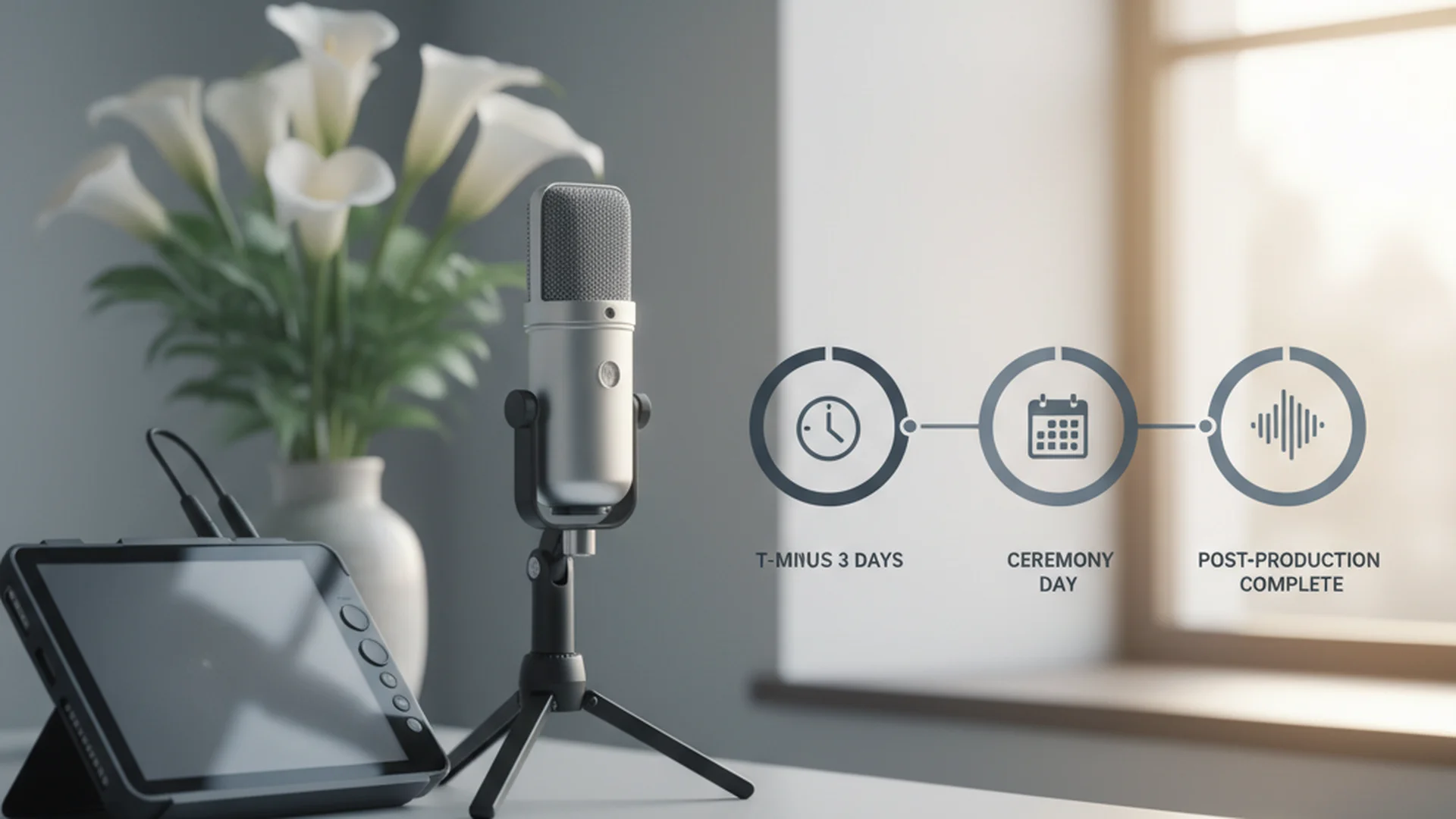
Because most services are organized within a few days of a passing, timing is critical. Use the following schedule to ensure the recording goes smoothly.
Immediately (Day 1)
Decide on your budget and whether you want a professional or a DIY setup. Discuss technical capabilities with your funeral director. They may already have a preferred vendor or built-in system. You can learn more about general timelines in our guide on the After Death Admin Timeline (Practical Steps and Documents).
Pre-Service (Days 2–3)
Gather photos for any slideshows that will be part of the recording. Obtain permissions from the family and the venue. If doing it yourself, test the venue's Wi-Fi or 4G signal. Explore specialized Funeral Streaming Platforms (Side-by-Side Comparison and Key Differences) to decide where to host the video.
Day of Service
Setup should begin at least 45 minutes before the service starts. Test audio levels while the room is empty and again as music begins. Ensure all devices are in "Airplane Mode" but with Wi-Fi/Data enabled to prevent interruptions. For more tips on the logistics of the day, see our article on Funeral Live Streaming Setup (Options and Timeline).
Post-Service
If you used a professional, edits are typically delivered in 1–3 weeks. However, raw recordings from dedicated platforms are usually available for viewing instantly. This is helpful for those who may have missed the live window due to time zone differences, a common occurrence in Hybrid Funeral Services (Options and Timeline).
Frequently Asked Questions
Is it appropriate to record a funeral?
Will the music be muted on Facebook or YouTube?
How do I share the recording privately?
Do I need a professional videographer?
Conclusion
Recording a funeral service is a powerful way to honor a life and ensure that the words spoken in tribute are not lost to time. By choosing the right platform, prioritizing audio quality, and following a structured timeline, you can create a lasting legacy that provides comfort for years to come. Whether you choose a high-end professional or a simple DIY setup, the goal remains the same: to foster connection and remembrance for everyone who loved the deceased.
Planning a Service?
Discover how technology can help you honor your loved one's legacy.
Explore Streaming GuidesWritten by David Montgomery
Our team of experts is dedicated to providing compassionate guidance and practical resources for end-of-life planning. We're here to support you with dignity and care.